
Blocking is the account-level version of hiding. Where Hide Post takes down one post, Block hides every post from a creator across your collections at once. Use it for a spammer, a competitor, or anyone whose content you never want surfaced.
Block a creator
- Open the post’s menu. Click the three-dot actions menu on a post from the creator you want to block.
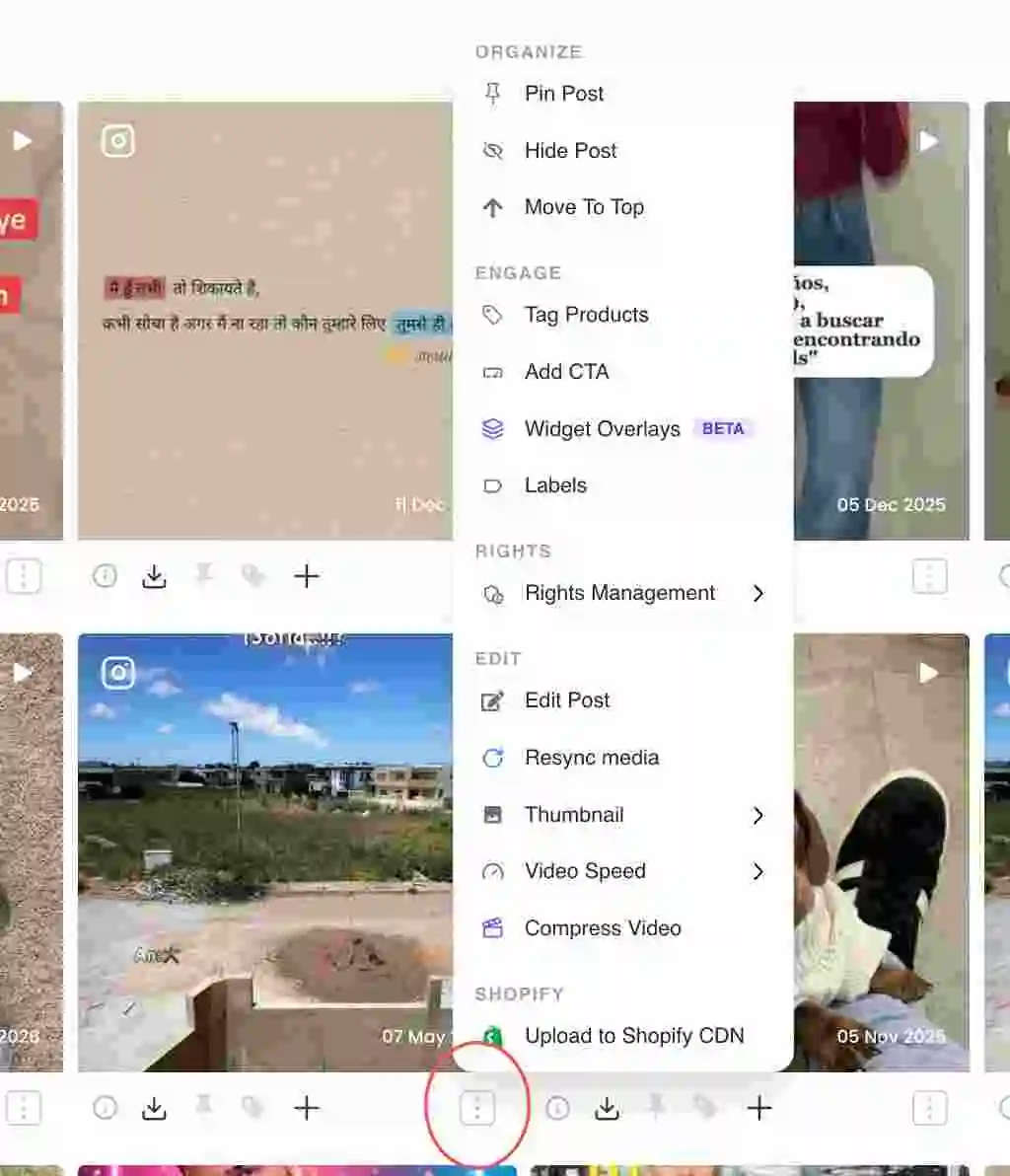
Three-dot actions menu on a post card - Choose Block @handle. At the bottom of the menu, click the red Block @handle item ("Hide all posts from this user").In the dashboard: Block @handle option at the bottom of the post menu
- Confirm. A dialog confirms that all posts from this user will be hidden from your collections. Confirm to block.In the dashboard: Block user confirmation dialog
- Unblock later if needed. To reverse it, open the same menu on any of their posts and click Unblock @handle ("Allow posts from this user again").
Block vs hide
Hide Post removes one post from the live widget but keeps it in the collection. Block hides everything from that creator across collections in one move. Reach for Block when the problem is the account, not a single post.
Related guides
- Hide or remove a post: /help/hide-or-remove-a-post
- Move or add a post to another collection: /help/move-post-to-another-collection
- Approve content and manage rights: /help/approve-content-rights


