
Install to first widget live, self-serve.
Connect your sources, tag products against real content, and publish a widget. Your first one is live in minutes. A Getting started checklist in the dashboard walks you through each step.
How Idukki works
One post, collected to attributed
Collect
Rights
Tag
Display
Measure
Result: 3 orders, $74.28 attributed to one post.
What actually happens between install and your first sale-driving widget.
Same setup flow as inside the dashboard, in order. Skip a step and come back to it later, nothing blocks you from publishing early and refining after.
- 01
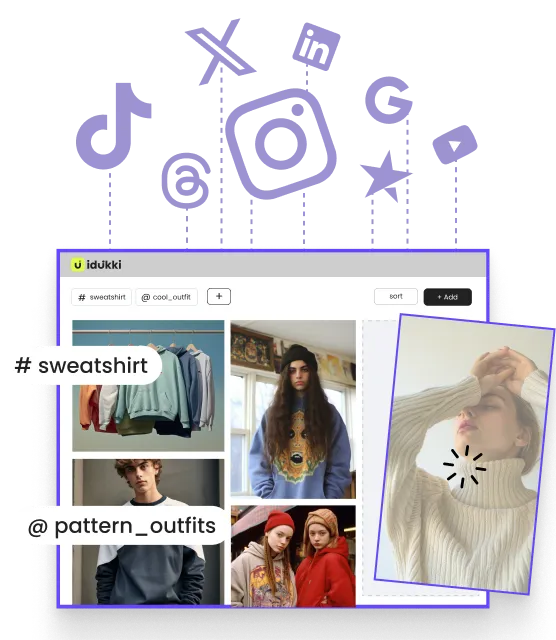
Connect your sources
Link Instagram, TikTok, YouTube, Twitter, LinkedIn, Threads, Facebook or Pinterest, plus Google Reviews, Trustpilot and TripAdvisor. Collection starts automatically, no manual uploads required to get going.
- 02
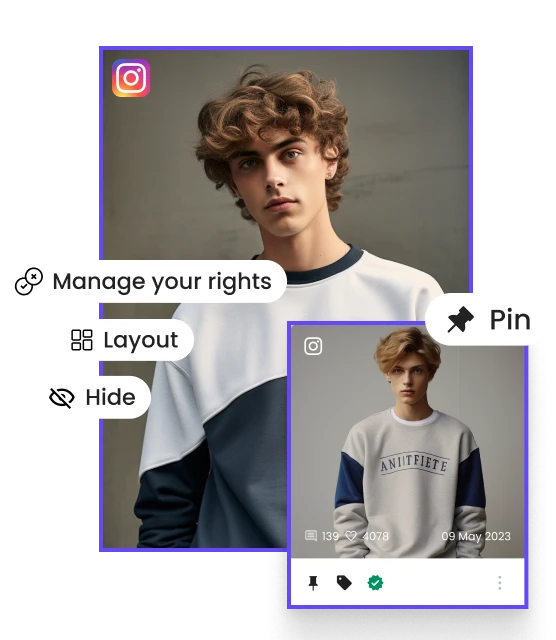
Set brand profile + tone
Walk through brand identity and content guidelines once. Curation and brand-safety filters, the same ones that keep your galleries on-brand, inherit it from here on.
- 03
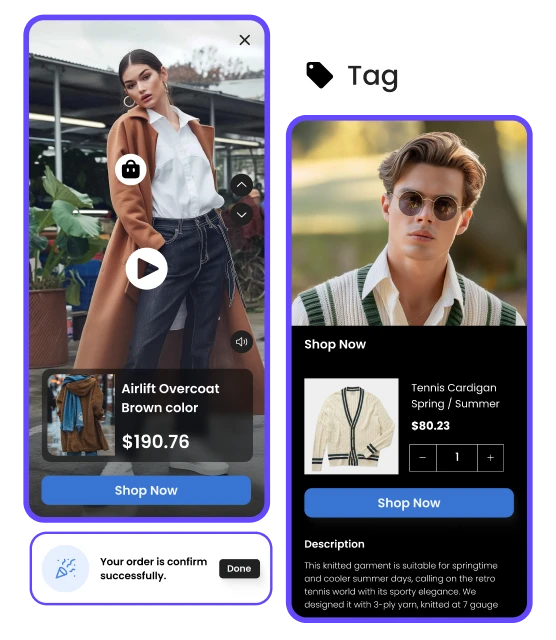
Tag products against content
Map incoming UGC to product SKUs and collections, one click at a time or with AI-assisted tagging suggestions to speed up the backlog.
- 04
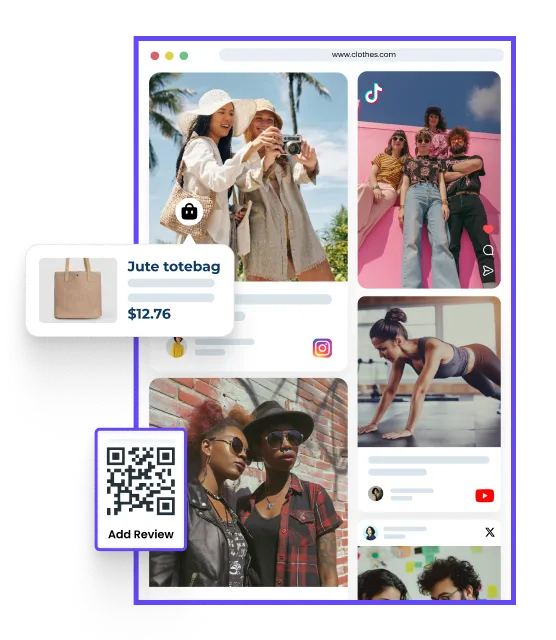
Design + publish a widget
Pick a layout, gallery, shoppable video, lookbook or story, apply your brand palette, and drop it into a theme block or embed snippet.
Iris answers your shoppers’ product questions.
Iris is the assistant in Product Q&A, on your product pages. It answers from your approved Q&A first, then the product and its tagged posts. A setup assistant inside the dashboard is not open to every account yet.
- Answers shopper questions on your product pages
- Shows your approved answers first, word for word
- Grounds AI answers in the product and its tagged posts
- Takes the name and brand voice you set
- How Iris answers
Stuck on a step? Ask Iris or a person.
Iris answers setup questions in the dashboard. Support answers the rest.