
固定すると、投稿がウィジェットの先頭に置かれます。ほかの投稿の並び順にかかわらず、常に最初に表示されます。メインの動画、新商品の発売を知らせる投稿、いちばん効果の高いソーシャルプルーフなどに使えます。
投稿を固定する
- Open the post’s menu. コレクションのグリッドで、固定したい投稿の三点アクションメニューをクリックします。
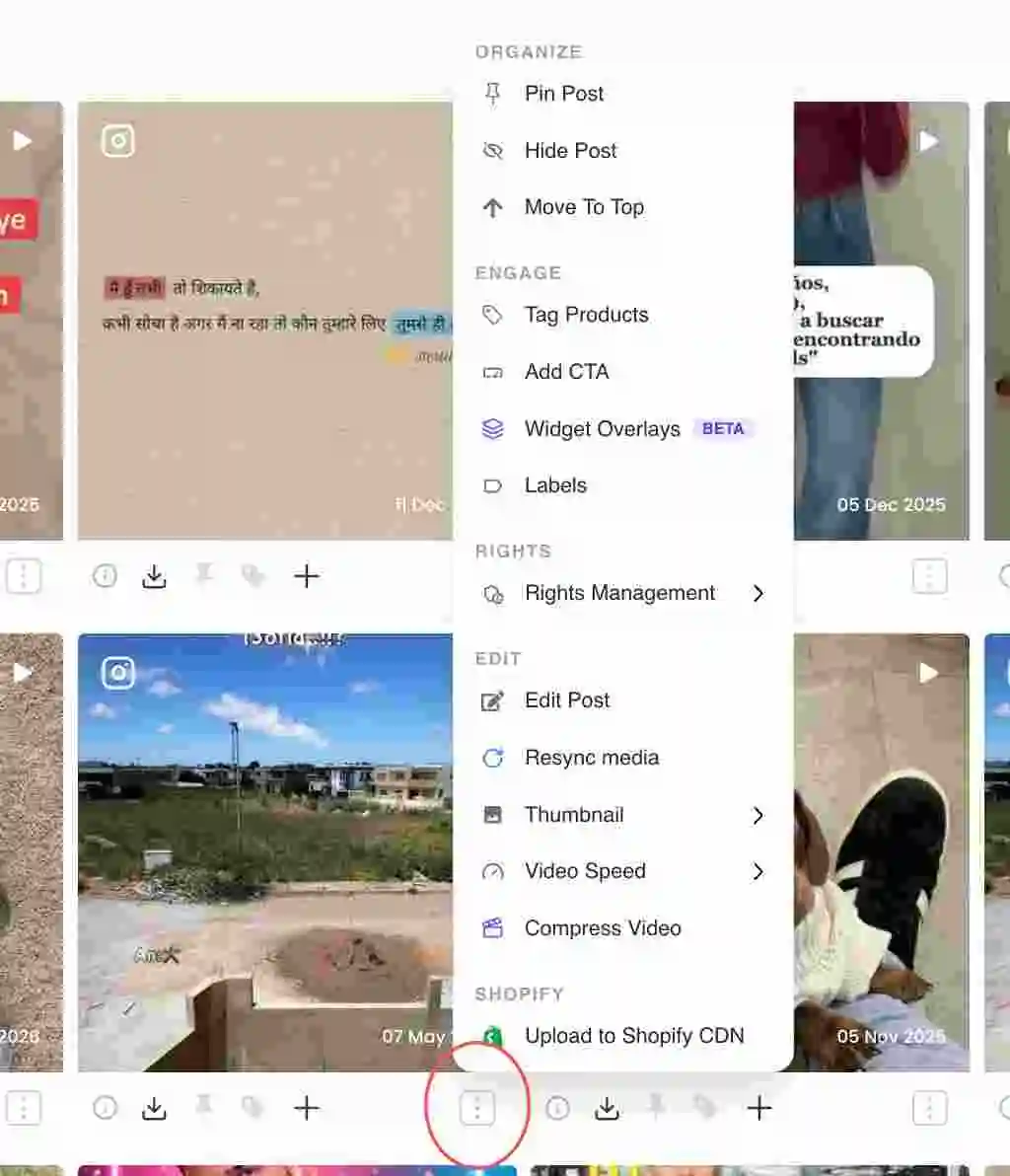
Three-dot actions menu on a post card - Choose Pin Post. 「整理」セクションの「投稿を固定」をクリックします。固定した投稿には塗りつぶしのピンアイコンが表示されるので、ひと目で分かります。
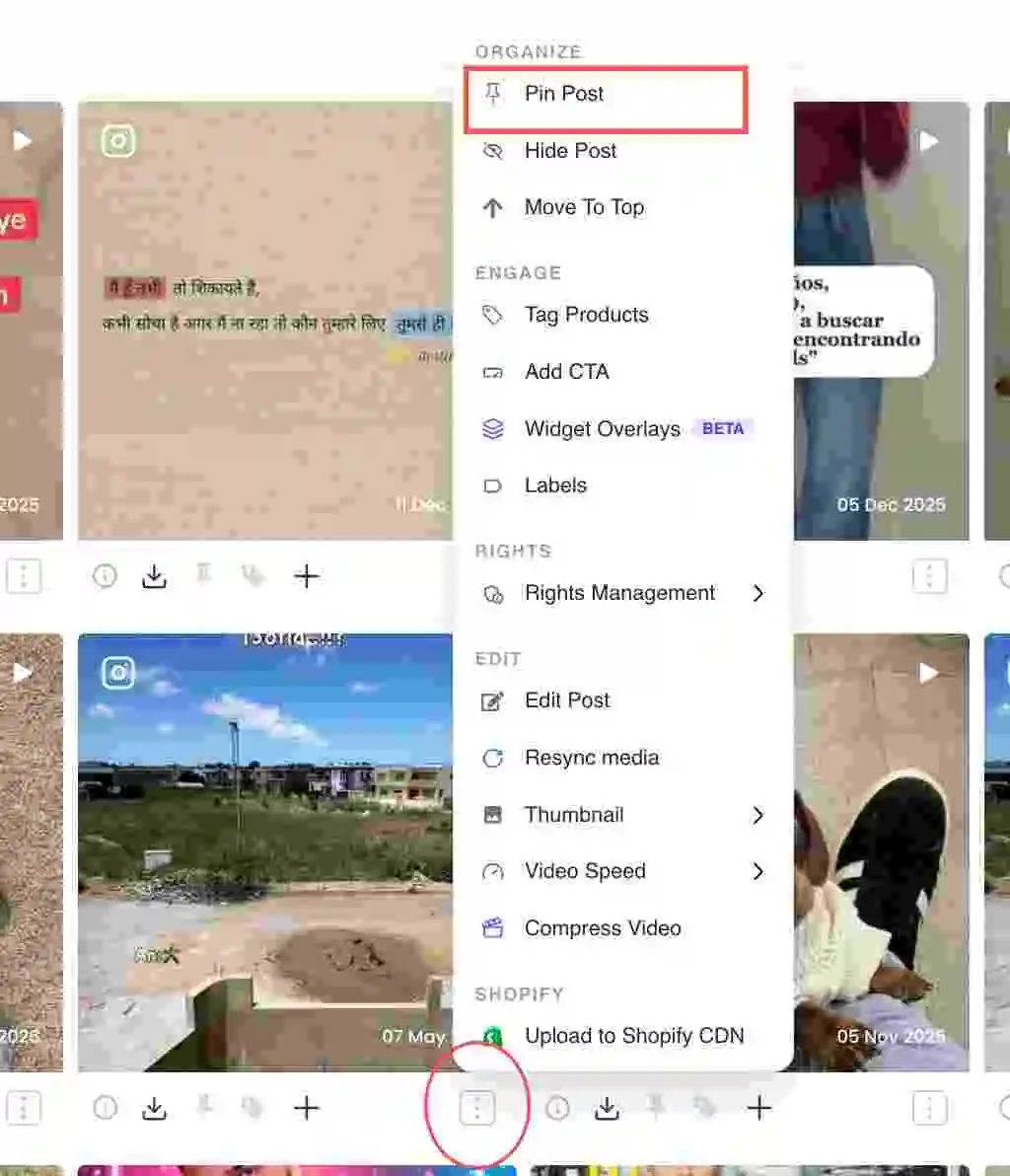
Pin Post option under the Organize section of the post menu - Confirm it leads the widget. 固定した投稿は、固定していない投稿より前に、ウィジェットの先頭に表示されます。固定する数に制限はありません。固定した投稿どうしの順番は、固定順ツールで設定できます。
- Unpin when you’re done. 固定を解除するには、同じメニューを開いて「投稿の固定を解除」をクリックします。
よくある質問
- 固定できる投稿は何件ですか?
- 複数の投稿を固定できます。固定した投稿はすべて、固定していない投稿より前に表示されます。固定した投稿どうしの順番は、固定順ツールで設定できます。
- 「投稿を固定」がグレーアウトしているのはなぜですか?
- 固定はプランによって制限される場合があります。オプションがロックされている場合、現在のプランでは利用できません。
関連ガイド
- コレクション内の投稿を並べ替える: /help/reorder-posts
- 投稿をフィーチャーする: /help/feature-a-post
- 投稿を非表示にする、または削除する: /help/hide-or-remove-a-post


