
What shipped at Idukki in October 2026
Ask Claude or ChatGPT for your Monday numbers, plus three more October updates for your store.

Monday, 9am. The team call starts in ten minutes. You want last week’s best posts and what they sold. So you open the dashboard, find the report and set the dates. In October that became one question in Claude or ChatGPT. Three more things shipped with it.
In this article
All four are live now. The connector needs a paid plan. The other three come with every plan.
Run Idukki from Claude or ChatGPT
Your Monday numbers now arrive in the assistant your team already uses. Nobody opens another screen to get one.
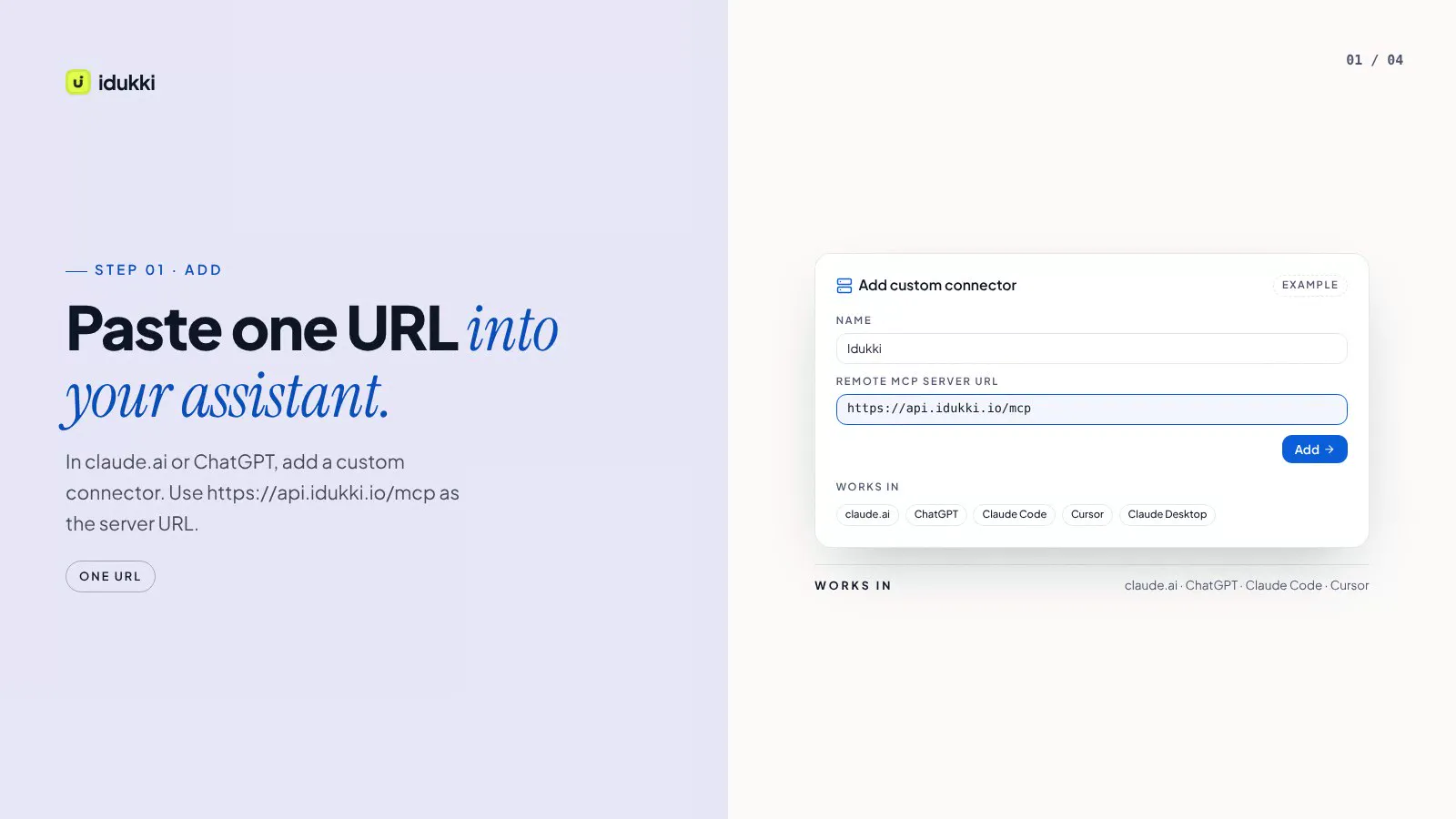
From one link to your first collection
- 01
Paste one link
Add Idukki as a custom connector in Claude or ChatGPT. There is no key to copy.
- 02
Sign in and check
You see the app and the store before you click Allow.
- 03
Ask
Ask for your top posts, a product’s numbers or the posts that show a product.
- 04
Allow changes
Tick the box. Then it can create a collection, import posts by link, approve them and tag products.
Every change is logged. Disconnect any time from Settings, AI tools. It comes with every paid plan. Setup steps are on the Claude and ChatGPT connector page.
Shop the Look on gallery photos
A shopper spots the coat in a customer photo and opens it without leaving your gallery.
Switch on Shop the Look and tagged photos show small product markers on hover. A tap opens the product right there in the gallery.
- Three styles: dots on the products, name chips, or one "Shop N products" badge.
- On phones the markers wait for the first scroll or tap. The first view stays clean.
- Works on grid, masonry, collage, social wall, mosaic, bento and spotlight grid layouts.
Also fixed: turning off "Show Shopify Product Options" now hides the size and colour pickers.
Get involved, in your dashboard sidebar
Need numbers for a board deck? Share your results gives you the last 90 days, measured and ready to copy.
It sits under Get involved, one new row in your sidebar. The row also holds the ways to help other merchants and shape what we build.
- Refer a peer with your own link.
- Review Idukki on G2 or the Shopify App Store. Honest reviews of any kind are welcome.
- Share your results, plus an optional request to be a case study.
- Idukki Labs and Suggest a feature, one click away.
Idukki Labs
Try a built feature on your own store before it opens to everyone.
Labs is our beta programme. Every open project is on idukki.io/labs. Ask to join with your work email, and we’ll be in touch about switching it on.
One project at a time. Being a case study is a separate choice, and saying no changes nothing.
Every change, as it ships
The full list lives on What's new. The plan for what comes next is on the roadmap.
More from Rohin Aggarwal
- Strategy
How to Run a Hashtag Campaign That Actually Generates UGC
Most hashtag campaigns fail for one reason: they ask the customer to do too much. The fix is to move the work off the customer and onto the workflow.
- Strategy
How to Get Rights to Repost Customer UGC (with Templates that Average 38% Yes-Rate)
DM, comment and email templates, the 24-hour ask window, one-tap consent links and audit trails.
- AI search
How to Measure UGC ROI: Formula, Attribution, Templates
Incremental revenue minus fully-loaded cost, over cost. Holdout testing for attribution. The KPI stack, the reporting cadence, and the pitfalls that inflate the number.